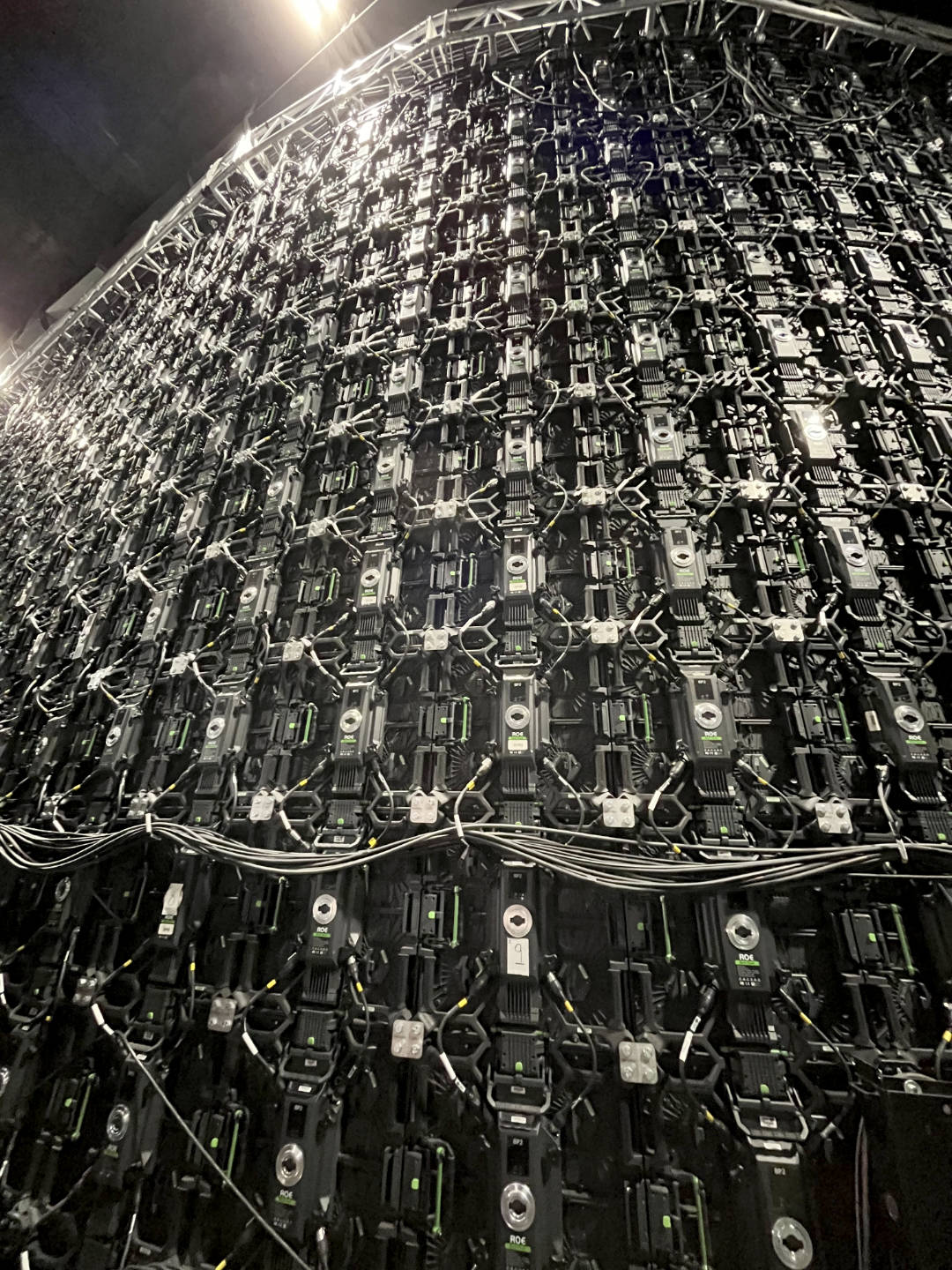
Training Day on Nuke Stage Beta
posted: March 25, 2026, 9:34 p.m.
I was lucky enough to secure a training place on Foundry’s new Virtual Production platform, Nuke Stage over at the Arri Studio in Uxbridge. I wanted to jot down my thoughts, as much for myself as for anyone reading this! Interestingly, most of the other trainees came from a much more extensive Virtual Production background working with Unreal and Disguise, while some had used Nuke, I was the only member of the cohort from a Compositing background. This will colour my experience of the training somewhat, it also meant I was learning almost as much from the other students as from the instructors. Since the software is still in beta at the time of writing, with major updates planned for NAB and Siggraph, the training was not a one way street, almost every demonstration from the Foundry team provoked a barrage of questions, feedback and debates, a lot of which is likely to appear in the final software. For this reason, I haven’t written this as a “tutorial” (which I would not be qualified to write anyway), but really as a “first thoughts”.
So the first thing, while this bears the Nuke name it is not really a Nuke offshoot, it is written from the ground up to solve some very different problems and a Nuke Artist will still have a lot of learning in order to operate the software comfortably. think Hiero vs Nuke rather than NukeX vs Nuke. Having said that there is considerable interoperability between Nuke Stage And Nuke proper - projection setups can be output as USD for Stage and Stage projects should (by time of commercial release) be able to export Nuke Scripts for post work (it currently exports USD and a database file).
So under the hood there are three softwares which interoperate to make the whole thing work: the Editor which is the GUI you will do most of the work in. The Render Node, a command line app which will be running on unit managing a single screen or mosaic, and finally the Relay, a background process which will usually run on the same machine as the Editor. Relay basically broadcasts out to all the Render nodes and is based on the latest live state of the Editor (the exact “State” of the editor it runs may change to accommodate multi user setups). For previs (and most of the training) you can run all three on you local machine, but in live VP you will almost certainly operate one machine with Editor and Relay running on it and connect to the various Render nodes via their network IP address. Rather than having to launch all of these apps individually, a Launcher GUI app is provided that allows you to launch, terminate or restart all the Editors (yes you can run multiple editors), Relay and Render Nodes from one GUI.
Licensing is worth mentioning here, since it is very likely you will be taking this out into studio and probably won’t want to be connecting to your license server back at the office, you will need to provide Foundry with machine ids for the kit you will be using and then they will be able to let you ‘check out’ a local license from your purchased licenses to use locally without an internet connection. This may seem boring and the exact procedure may change before release but the point is you will need to set this up before your shoot day or it could be very embarrassing, not to mention costly, if you can’t license your tools on the day!!
Then anyway once you are licensed and you launch the Editor, Relay and Render apps, it’s time to set them up and connect things in the Editor app. The Nuke Stage Editor is tabbed in order like a lot of modern apps (think Resolve). The first tab is the Setup, here you will connect your Editor to your Relay and your Relay to your Render Node(s). There was a query why this connection couldn’t be setup directly from the launcher and it may be like that on release. After setting up the app connections you will set up your actual displays. Here you will also setup stuff like your OCIO config and timecode sync (which you will need if you plan to pass along tracking data). A lot of this could (and probably will) be streamlined but once you’ve saved a config I imagine you would likely stick to it for most of a project and some basic config parameters you will probably keep as facility defaults.
The next tab is the Scene tab, here you load in your USD, and if you’re familiar with USD workflow this should be pretty familiar. Nuke Stage is built around USD from the ground up. This is where you will either import your USD file or create geo and cameras.
The comp tab is the bit that is most like regular Nuke, but is still definitely a different beast, for example there is a scene graph like in the latest versions of Nuke (16 and 17) but the 3D nodes are not in the node graph, instead you create a node graph for your scene and create individual node graphs for each camera as ‘overrides’. In fact the confusingly named ‘Node Graph’ panel is not a node graph, you need to hit the ‘+’ icon to make node graphs in the panel, but once you have done you can do things like tab create modes in a way familiar to any Nuke user. A lot of nodes ‘Read’, ‘Grade’ ‘Transform’ and even some OCIO nodes etc are pretty much as in Nuke, even some of the hotkeys are the same. There’s no ‘Viewer’ node though, instead you make ‘Output’ nodes which you connect as textures to either Cameras (for projection) or Geo (as materials via their UVs). You can view an Output directly in a Viewer tab as a 2d view, which is handy if you need to pull a key or grade your footage and or textures at all.
Keyframes are manged in the sequencer tab, which is a lot like Nuke’s Dope Sheet and Curve editor combined. You can also use it a bit more like an NLE, so a single Read can read in multiple clips and these can be reordered. That is another thing which Nuke users might expect to run one way but I can understand that Nuke’s traditional way of appending clips is pretty clunky for most normal people!
A couple of things which will likely change between this beta and release is the extensive use of overrides - even applying a texture is done via an ‘Override’ which unless there’s something else to override isn’t really an override. There are also a lot of things called ‘Output’ in the beta, the Output nodes I previously mentioned, but also each Camera will have an Output and there are Outputs which connect to the Monitors, so very different things with the same names, but I am sure all this will be cleaned up by release time.
I would like this to go further and interact more with cameras and geo in the nodegraph in a fashion more similar to Nuke. imIt seems weird having geo just in a scene tab, cameras in another tab and nodegaphs that contain neither. I think this could be changed without changing the underlying architecture. Other attendees and some of the Foundry team seemed to agree so I am optimistic.
The current USD system is using hydra1 and currently does not support ray-tracing but this is in the immediate roadmap to have Hydra2 and ray-tracing. So rather than the kind of full 3d setup you might use Unreal 5 for, Nuke Stage is optimized for using 2.5d re-projections. This is a really powerful workflow in comp and it’s great to have a strong implementation of it in the Virtual Production space. adding ray-traced reflections will be a very nice addition though. If you’re exporting USDs from Houdini, Maya or Blender for Nuke Stage you would want all your lighting baked into emissive textures.
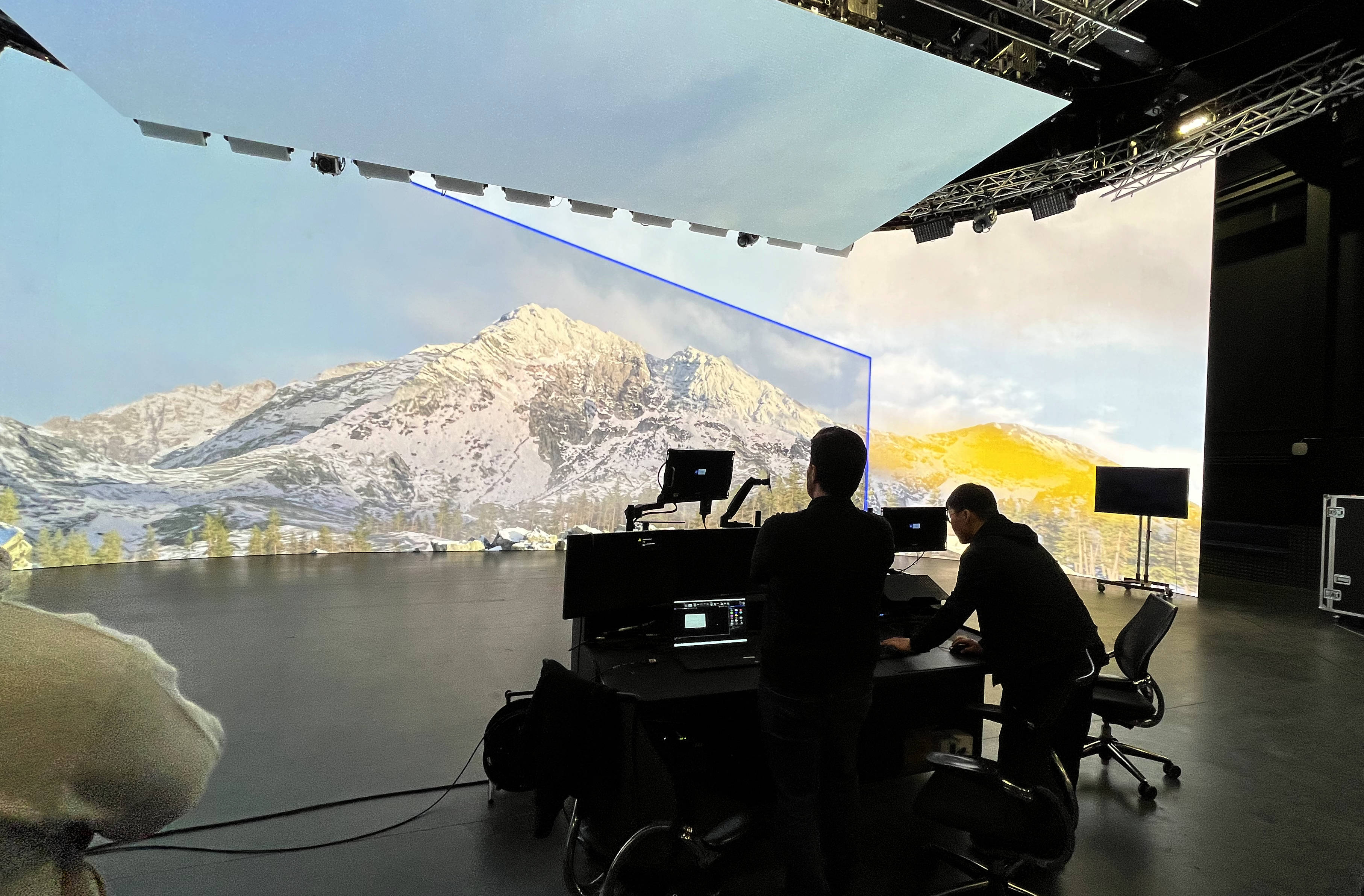
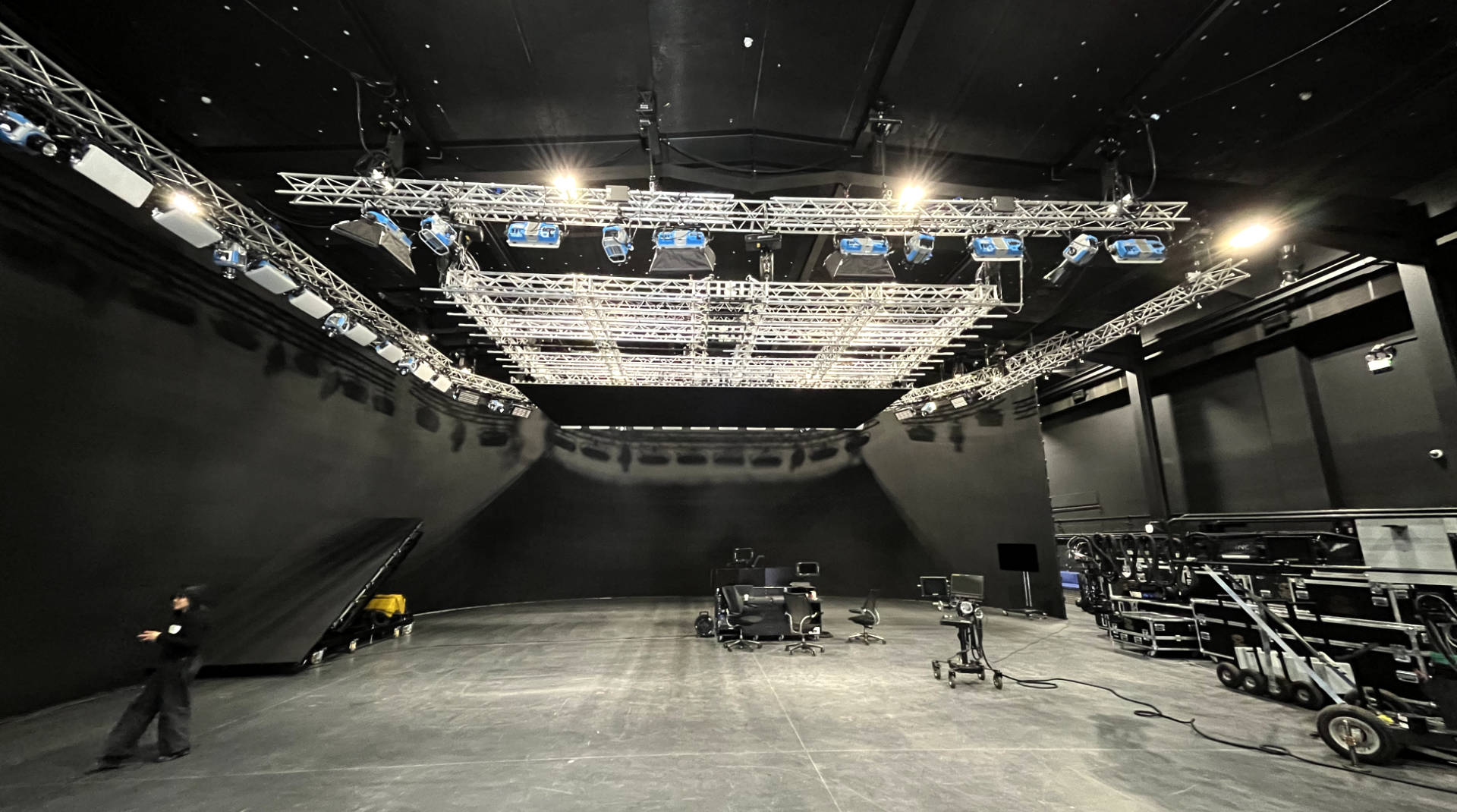
Working on the big Arri Stage was very exciting for me, business as usual for most of the other attendees. With so many screens we could see that the current manual setup of screen placement would be pretty painful, I am glad this was already setup for us, but again this is something which will be updated before release with the ability to import the parameters directly from the volume hardware itself.
While you cannot use lights for ray-tracing in this version of Stage, you can make light-cards; with an HDR volume these can be used to light the set to some extent. In addition the final release is planned to be able to connect to light boards which could be really powerful.
Now for me, working primarily in post, the Vault tab was perhaps the most exciting: the take tab enables both the saving of snapshots of the current Editor state (handy if the director wants to roll back), but also the Take export which can export the tracked camera as USD and pretty much the entire scene as a database file. Some kind of importer for Nuke will need to be written, but the potential to recreate all the nodes used on set as well as all that lovely metadata is really exciting. Regarding camera tracking data, lots of people noted that the onset tracking daya is pften not accurate enough for work in post, however it would be really powerful from my perspective if it could be used as a start point for any tracking in post. Jetset’s Bridge to Syntheyes proved this can work. h and this kind of setup would be cool to see in NukeX and 3DE as well.
Foundry also plan to have all the take information publishable directly to Shotgrid (sorry Autodesk, nobody calls it Flow) or similar.
Anyway thanks to the Matt Woods, Dan Caffrey, BeomHee Lee and Lee Owen for the training. The beta software looks really solid and I can’t wait to see the production version of the software with all the ‘quality of life’ improvements as well as ray-tracing, hardware connections and hopefully a more powerful nodegraph too!